

This morning when I opened Ivory, my Mastodon client of choice, something about it felt… off, like I was using the wrong app. I couldn’t immediately put my finger on it, and it took me a moment to realize the issue: instead of its familiar blue-tinged default interface, the whole UI—usernames, links, backgrounds—was now green. It was quite disconcerting. I briefly wondered if the app had received an overnight update and the developers at TapBots had changed the default color scheme.
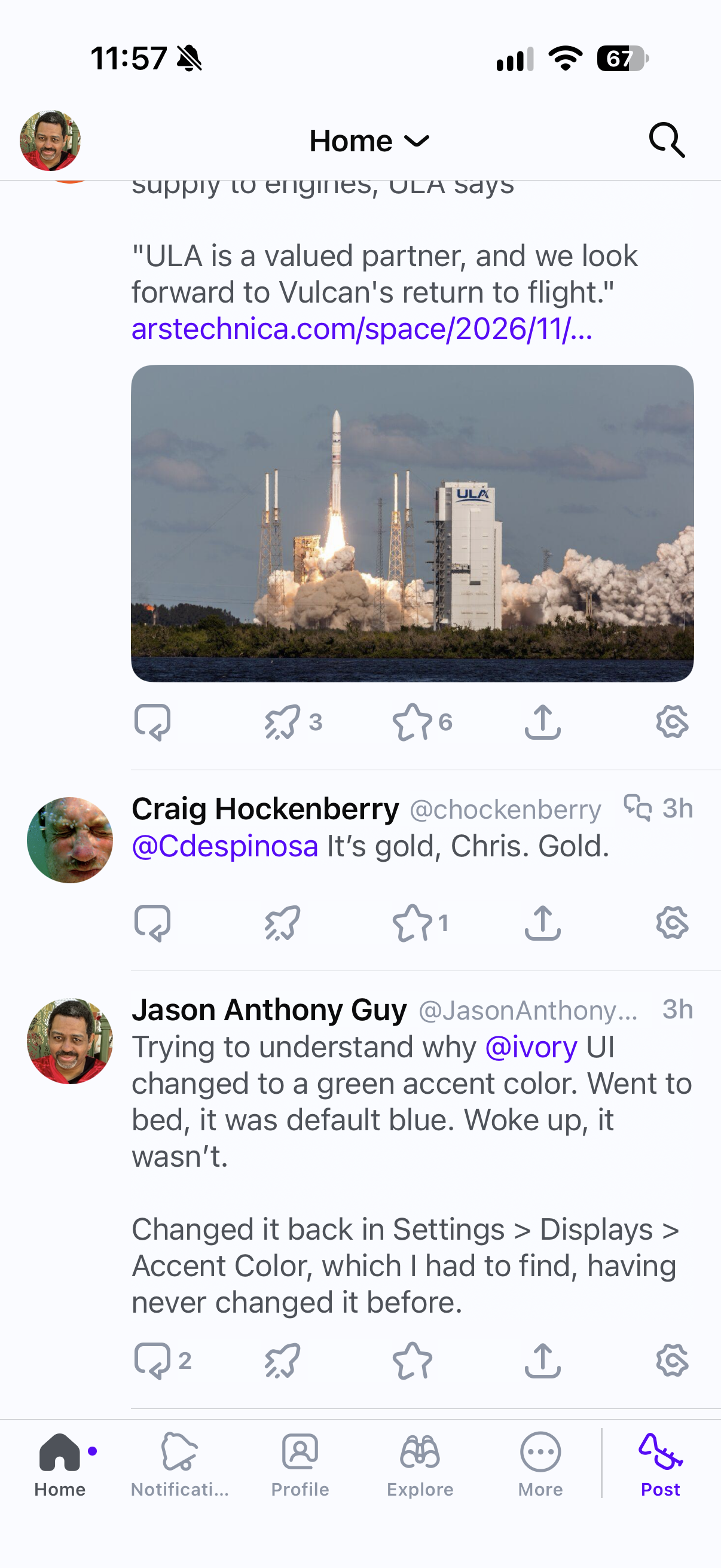
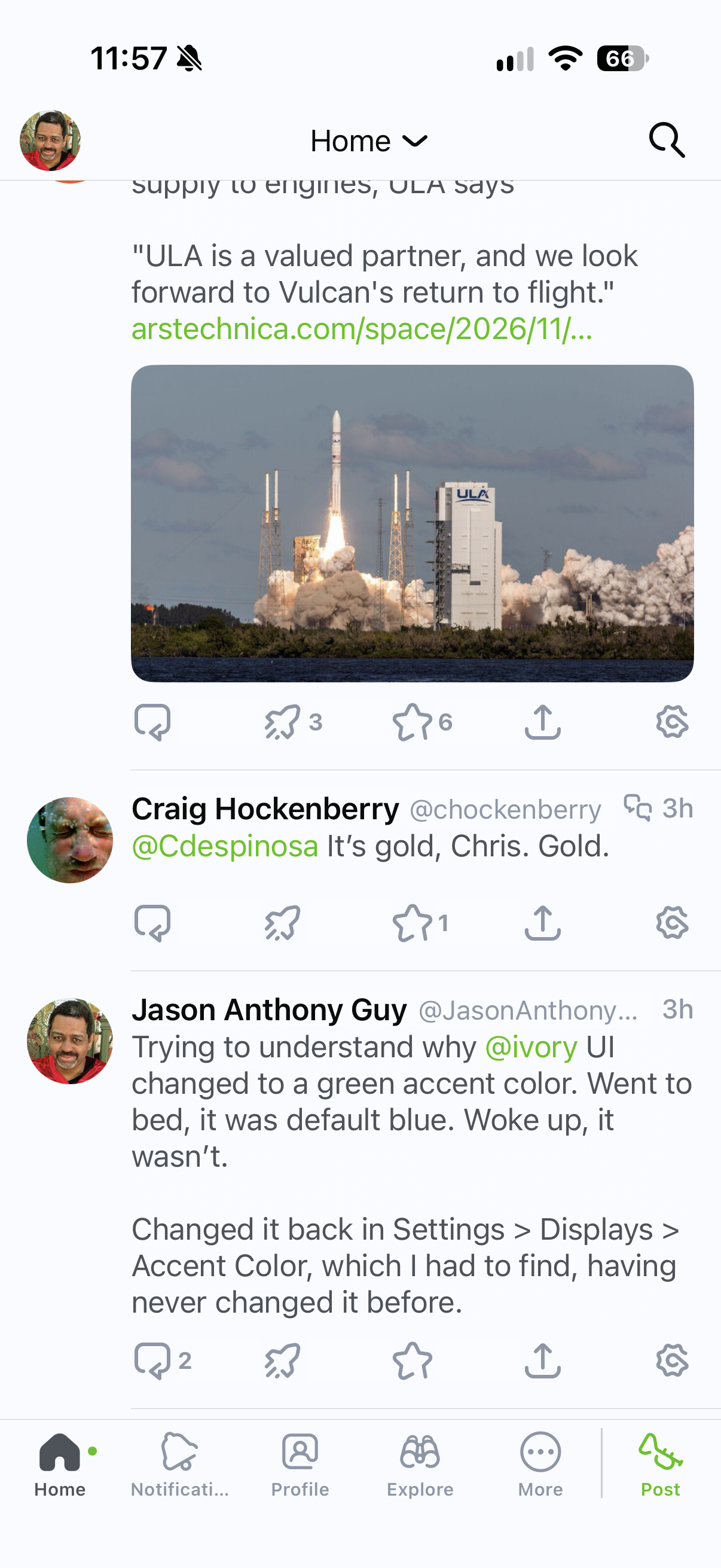
I was certainly aware of Ivory’s Settings > Displays > Accent option to change the color scheme, and I went there to revert the change, but seeing as it took three taps and some scrolling to get to it, I couldn’t fathom how I could have accidentally changed it.
I posted about the unexpected color change on Mastodon, and 15 minutes later I had my answer, direct from the TapBots team:
2 finger swipe up and down quickly flips colors. Should be able to turn it off in the behavior settings if you don’t like it.
Indeed, a two-finger swipe does cycle through the accent colors. I must have accidentally performed this gesture a couple of times without realizing it.
Despite being an enthusiastic Ivory user and subscriber since January 2023, I was completely unaware this gesture performed this color switch.
Part of my confusion stemmed from the naming and interaction of two seemingly unrelated features.
First, the swipe control is under Settings > Gestures > Swipe to Switch Themes. There’s a handy tip under this control:
Swipe up or down with two fingers to switch to the next/previous theme.
I understood “themes” to mean Light or Dark mode, which you find in Settings > Display > Theme. Under that section, there’s another handy tip:
You can quickly change the theme in the app by swiping up and down with two fingers (like a light switch).
In my head canon, these two were connected: you can switch between Light mode and Dark mode by flicking up to make the “Light” turn on, and down to make it go “Dark,” and if you didn’t want that gesture, you can turn the gesture off.
And that is the case! Except, I’d never used this two-finger gesture because my theme is set to “Match System”—there was nothing for me to switch, so I never gave the gesture a second thought. It was left in its default enabled position.
What I didn’t know (until today) was that “Themes” also includes the Accent color, and the gesture also cycles through those colors. Having never two-finger-swiped in the app, I never noticed. Until I apparently did it accidentally before going to bed last night.
(The gestures get interesting when “Match System” is disabled under Theme: the first swipe in a direction changes the Light/Dark mode, and subsequent swipes in the same direction then cycle through the Accent colors. That’s clever. But while the Light/Dark checkmark follows the setting, the selected Accent color swatch doesn’t change. That, I presume, is a bug.)
If you wake up and Ivory suddenly feels very off, check your Accent color, or just give it a two-finger swipe.